No items found.
Blue Sky Bank is proud to announce our new digital banking platform! We have upgraded your mobile and online banking to give you more control, cleaner insight, and faster ways to move your money. Here's what you need to do next.

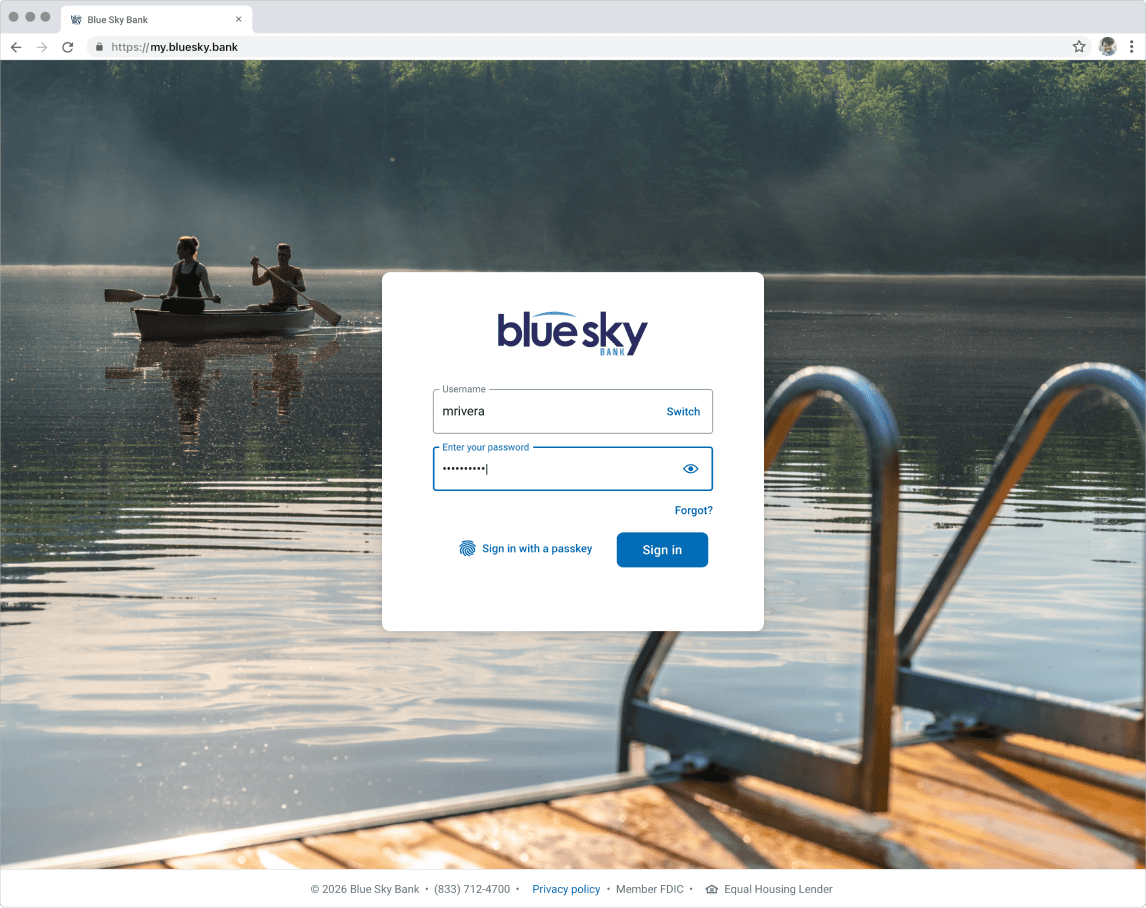
Monday, August 17th, Online Banking customers will need to log in and access the new Online Banking platform at my.bluesky.bank.
Monday, August 17th, scan the QR code below to download the new Blue Sky Bank Mobile Banking app and login. Usernames will not change from previous app.

Input username, the last four digits of your social security number (SSN), or your tax identification number (TIN). You will then be prompted to input a temporary password. Use the last four digits of your social security number (SSN) or tax identification number (TIN). You will then be prompted to create a new password.
Confirm your email via a one-time prompt and then complete two-factor authentication.
Input your phone number.
Accept the terms and conditions.
To ensure a smooth registration process, please make sure your phone and email are up-to-date in our systems. Contact your local banker, visit your local branch, call 1-833-712-4700 or email us at onlinesupport@bluesky.bank.

Cleaner, faster, and easier to navigate.

Pay and manage your bills in fewer taps.

Move money in real time.

Track spending by category, build smarter budgets, and see all your accounts in one place.

As we get closer, check back for the full guide, video walkthroughs, and everything you will need when we go live. Call us with any questions at 833.712.4700, or email us at onlinesupport@bluesky.bank.
Get in Touch
While your current alerts will not transfer to the new system, setting them up again is quick and easy. After you first login, you can customize balance and transaction alerts to fit your needs and stay informed about your accounts.

Please note that any external accounts currently set up in Online Banking will not carry over to the new system. Once you access the updated platform, you will need to re-link these accounts to continue initiating transfers.
Customers will not be able to access Blue Sky Bank's bill pay starting 1 pm Thursday, August 13. Access will return Monday, August 17th. Scheduled and reoccurring Bill Pay items will continue to process after conversion. We recommend reviewing and verifying after initial login.

As part of the upgraded system, you will receive two statements in August — one reflecting activity through August 13th and another at the end of the month. After August, your statements will be produced at month end.

Customers currently enrolled in e-statements will remain enrolled post-conversion.
